

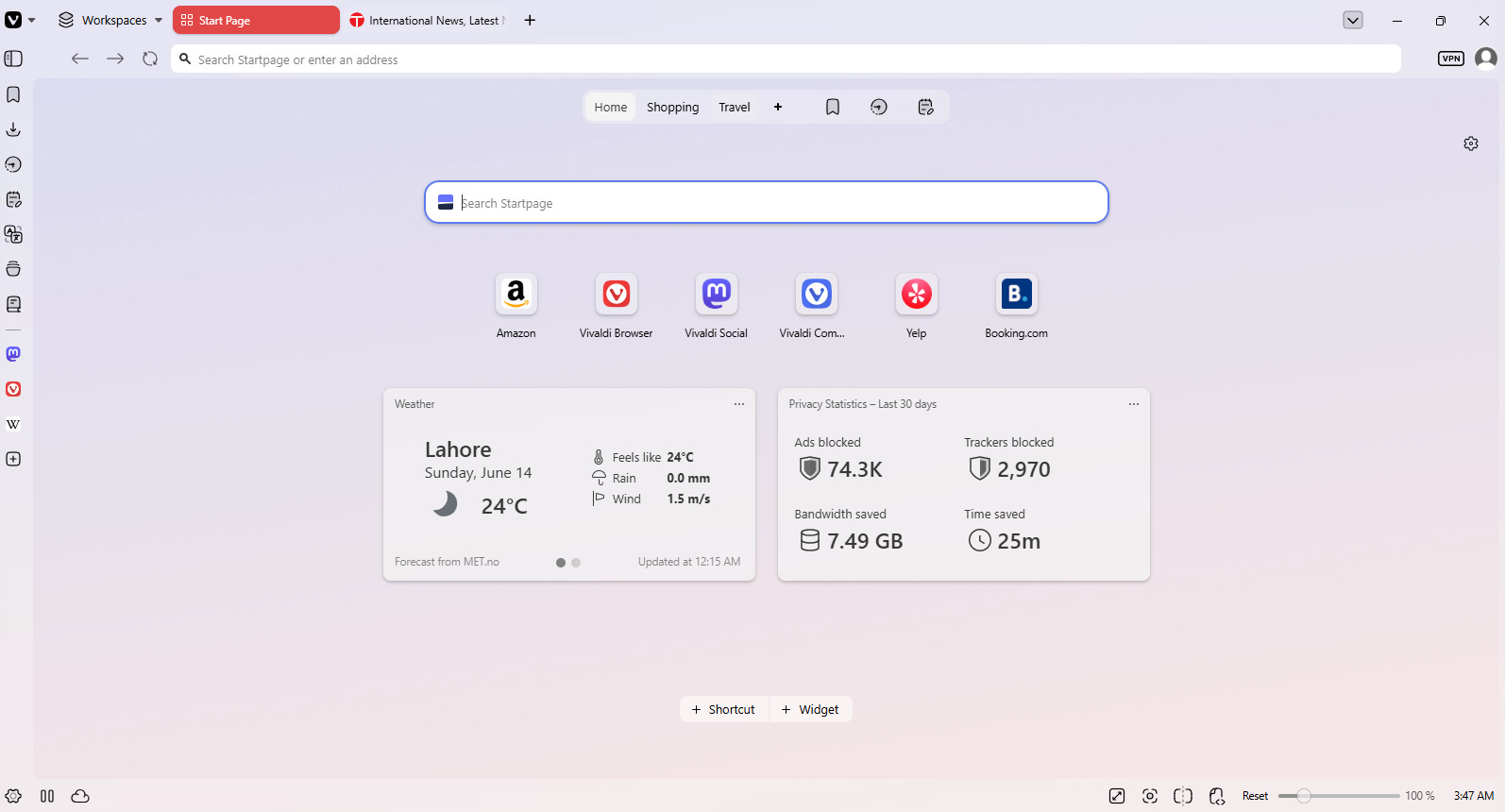
Note: This is not a promotional post. I’m not associated with Vivaldi in anyway.
I learned about Vivaldi by chance. I was working on a project (not related to journalism), and for that, I needed different browsers. Many people that I work with use Google Chrome as their default browser because they are familiar with it. In the newsroom, we have to be quick, and we have to monitor different news organizations. It’s an annoyance when ads take over in Google Chrome. Brave is a lifesaver when it comes to that because you get to block ads. Vivaldi is another browser that is quite helpful in this regard. However, Vivaldi is more than just a browser and is a tool that every journalist needs in their arsenal, whether you work for a news organization or are independent.
News Monitoring
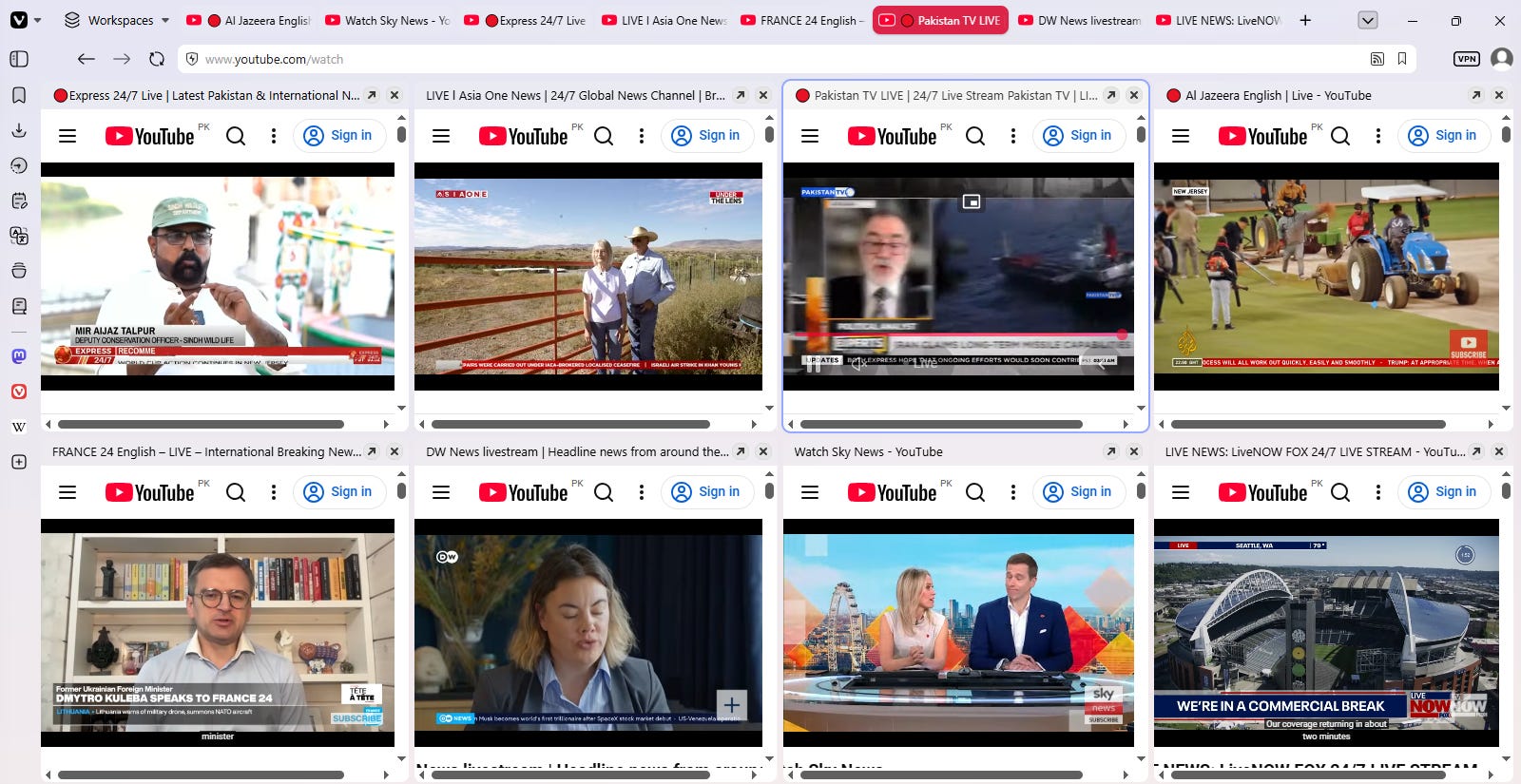
As I mentioned earlier, many journalists have to monitor different news organizations, whether it’s print, digital, or broadcast. You can open multiple tabs in Vivaldi to do that. In my browser, I usually have 8 tabs open of different news channels’ live feeds on YouTube for me to monitor. It helps me a lot, and it is something that I find really cool too.
Fact-Checking and Researching
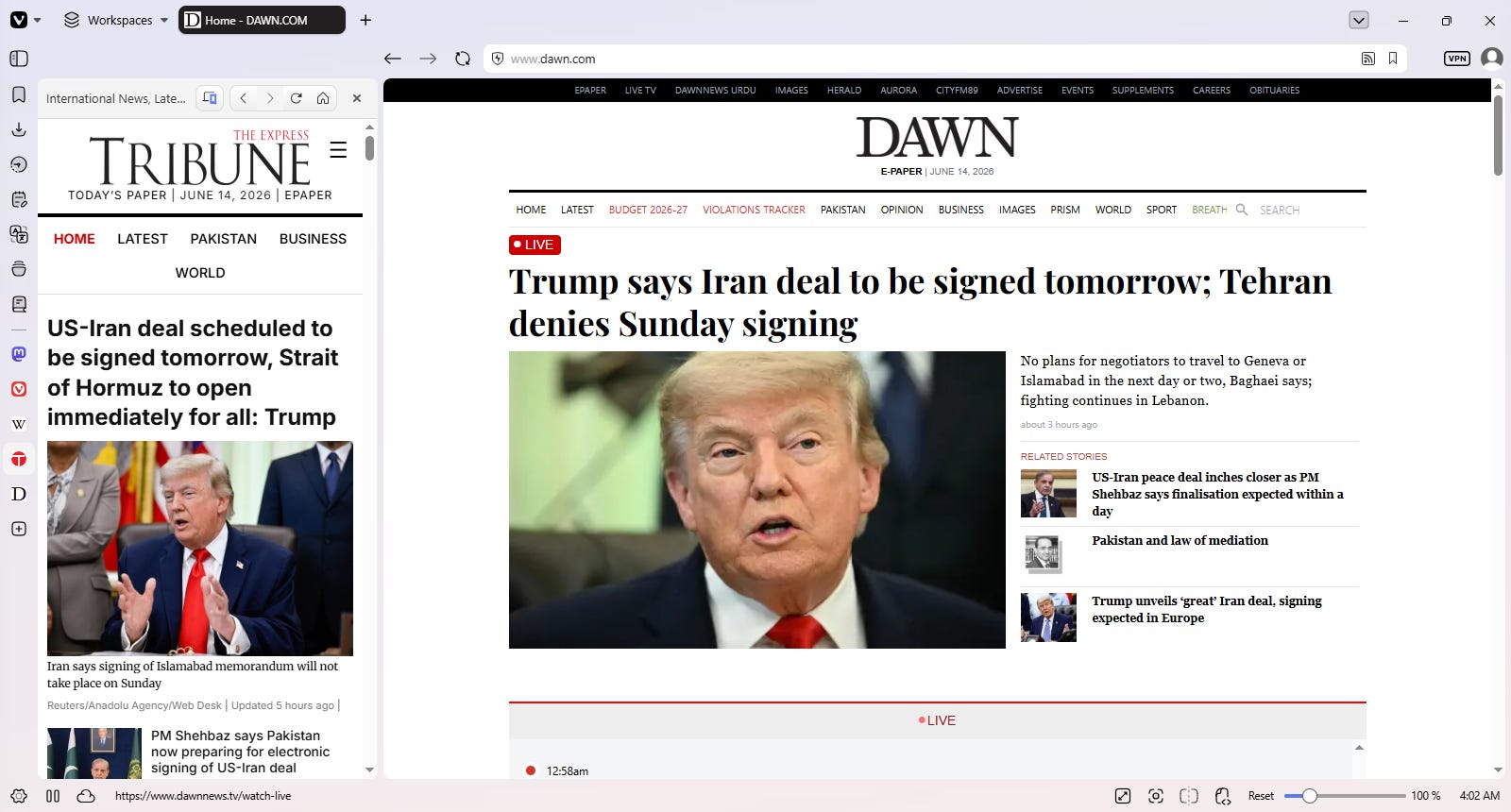
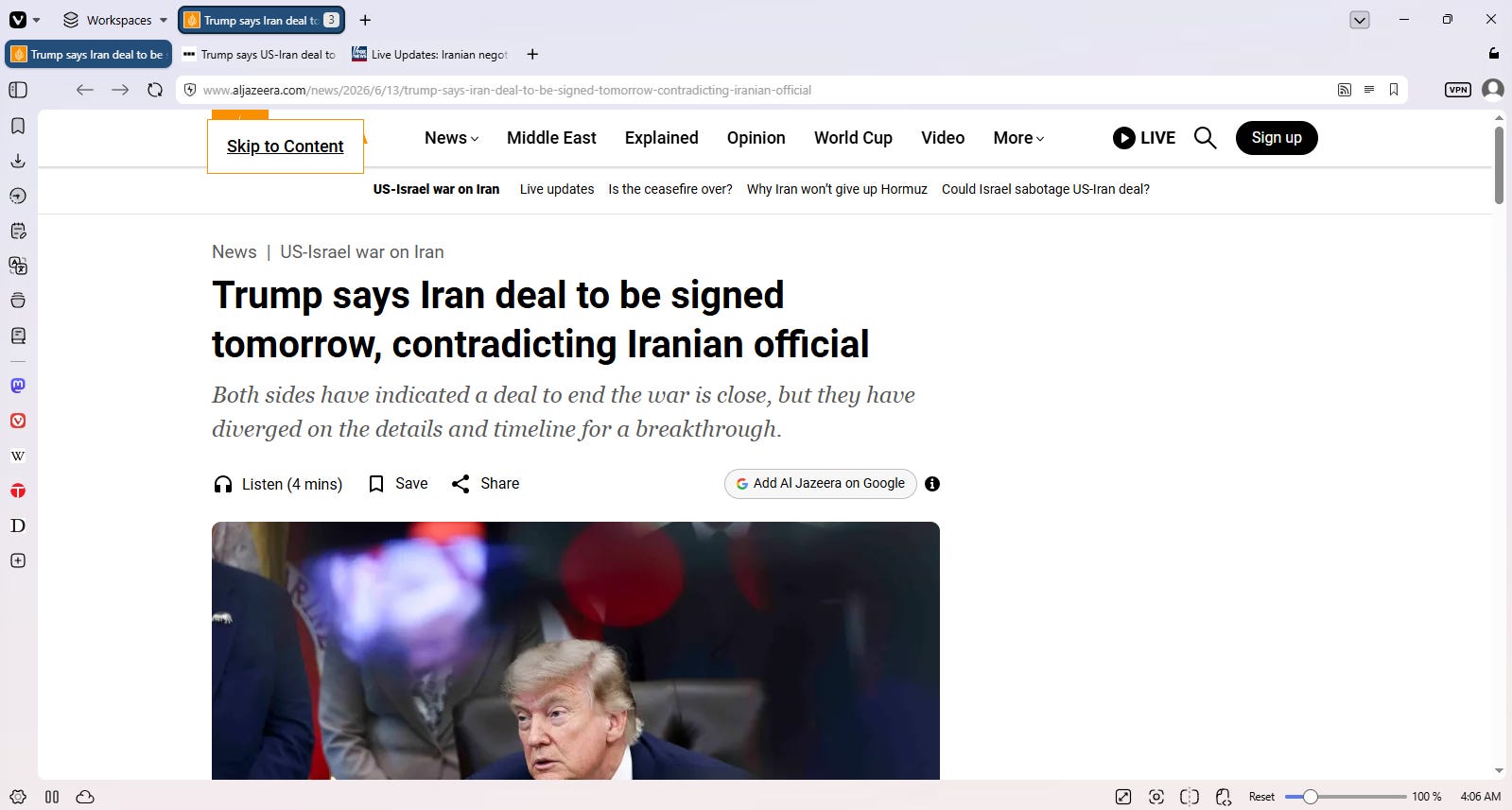
Every journalist breathes fact-checking and researching, but when working on a story, it can be hard to keep track of things, and chances are, you can get disorganized. Vivaldi web panels and tab stacks are a wonderful way to organize your work. Web panels allow you to view content in a split-screen view, and you don’t even need to leave the tab. On the other hand, tab tiling helps you organize tabs together.
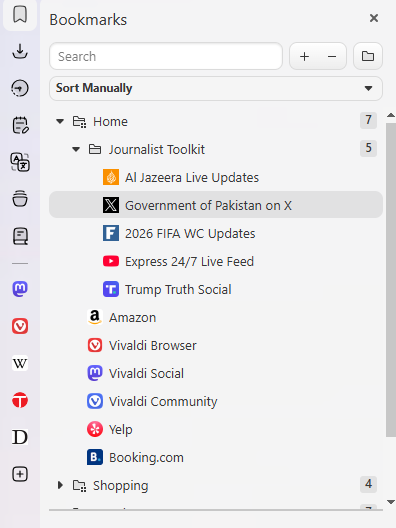
Then there is the quick access to bookmarks. I feel like this browser was created with journalists, academics, and researchers in mind. You have them already available in the side panel, and you can save relevant content in different folders.
Notes
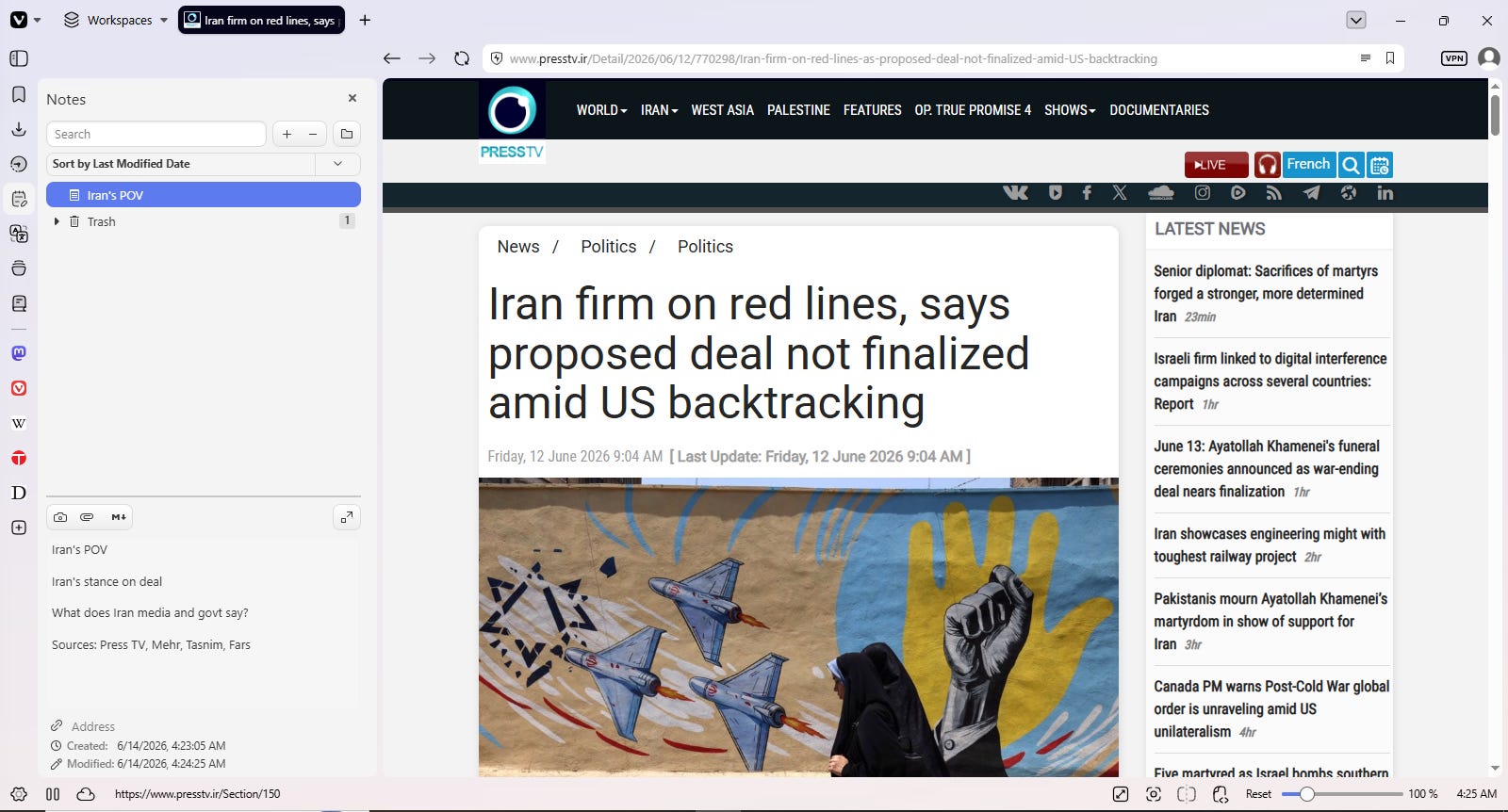
I absolutely adore the fact that there is a Notes feature in the browser. Whenever I’m looking up something, and I immediately have to note something down, I don’t have to rely on an extension, and I can just do it right within the browser.
Translate
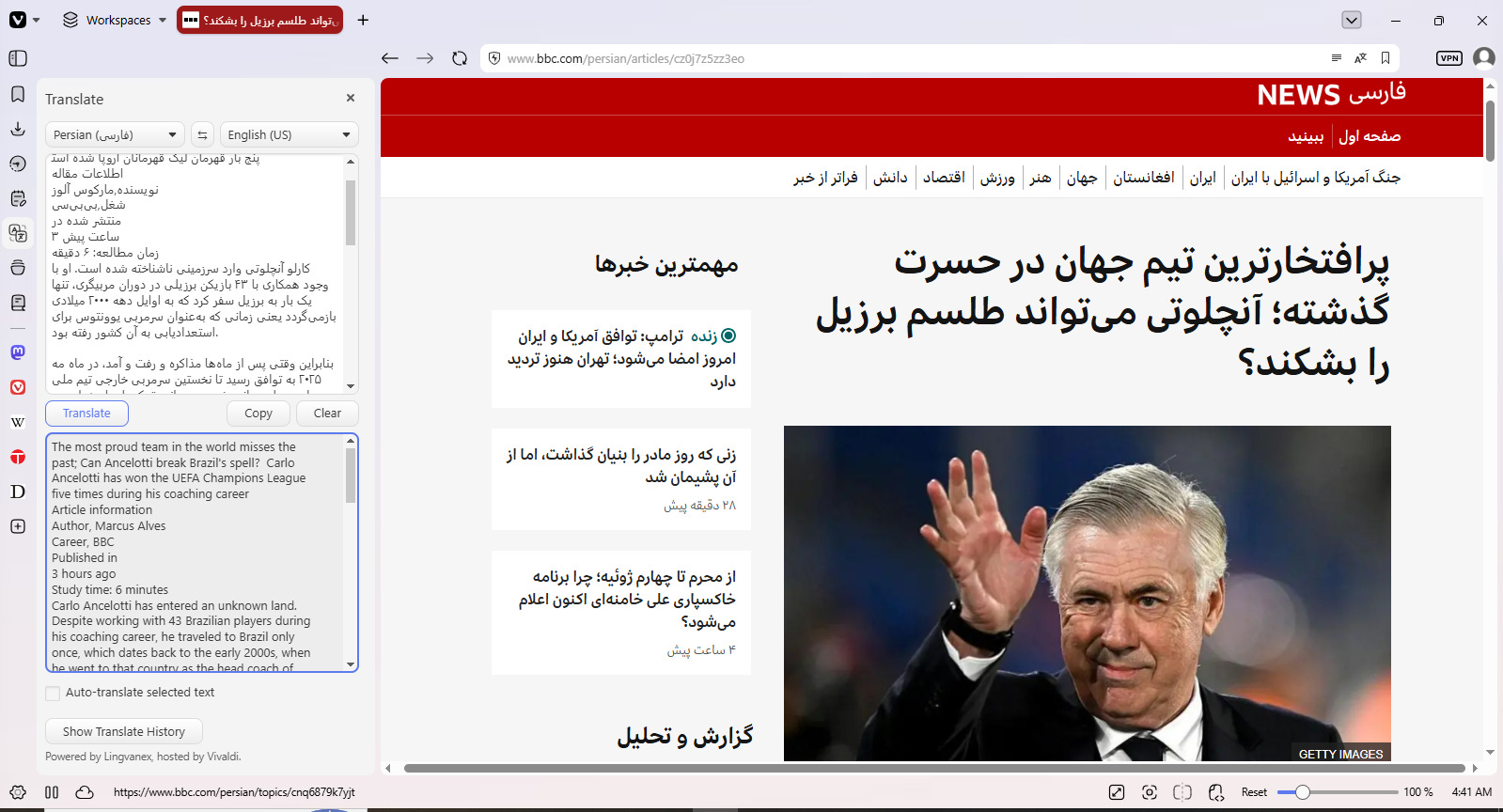
As an international journalist, I sometimes have to look up content in different languages. The easy access to the translate feature is another time saver for me when I’m on a deadline.
Wikipedia
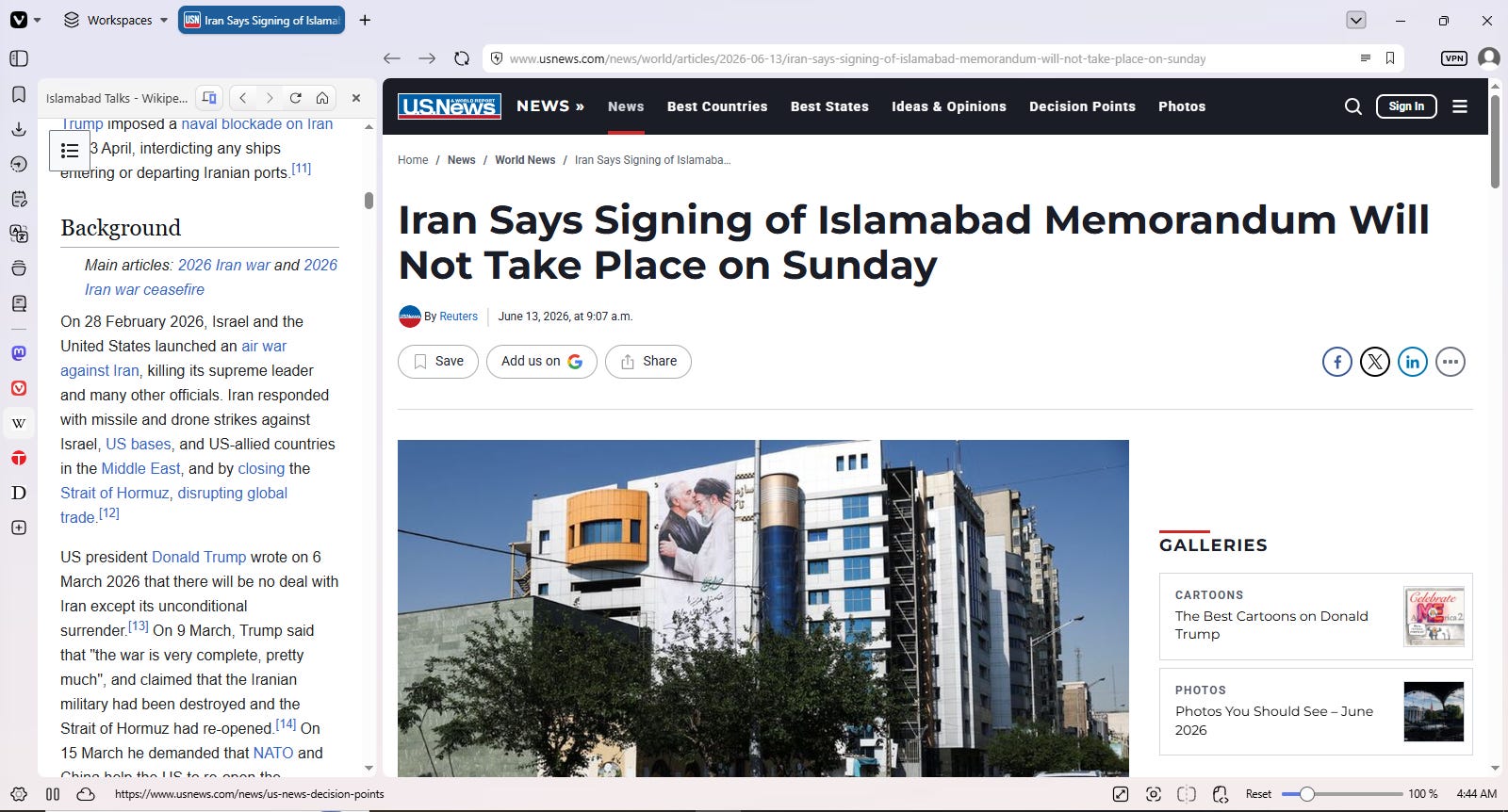
When it comes to journalism, I feel like Wikipedia is very underrated. Of course, no one looks at it as an extremely reliable source, but it comes in handy when you are looking up basic information, and Wikipedia being available as a built-in feature in Vivaldi is a godsend.
Startpage
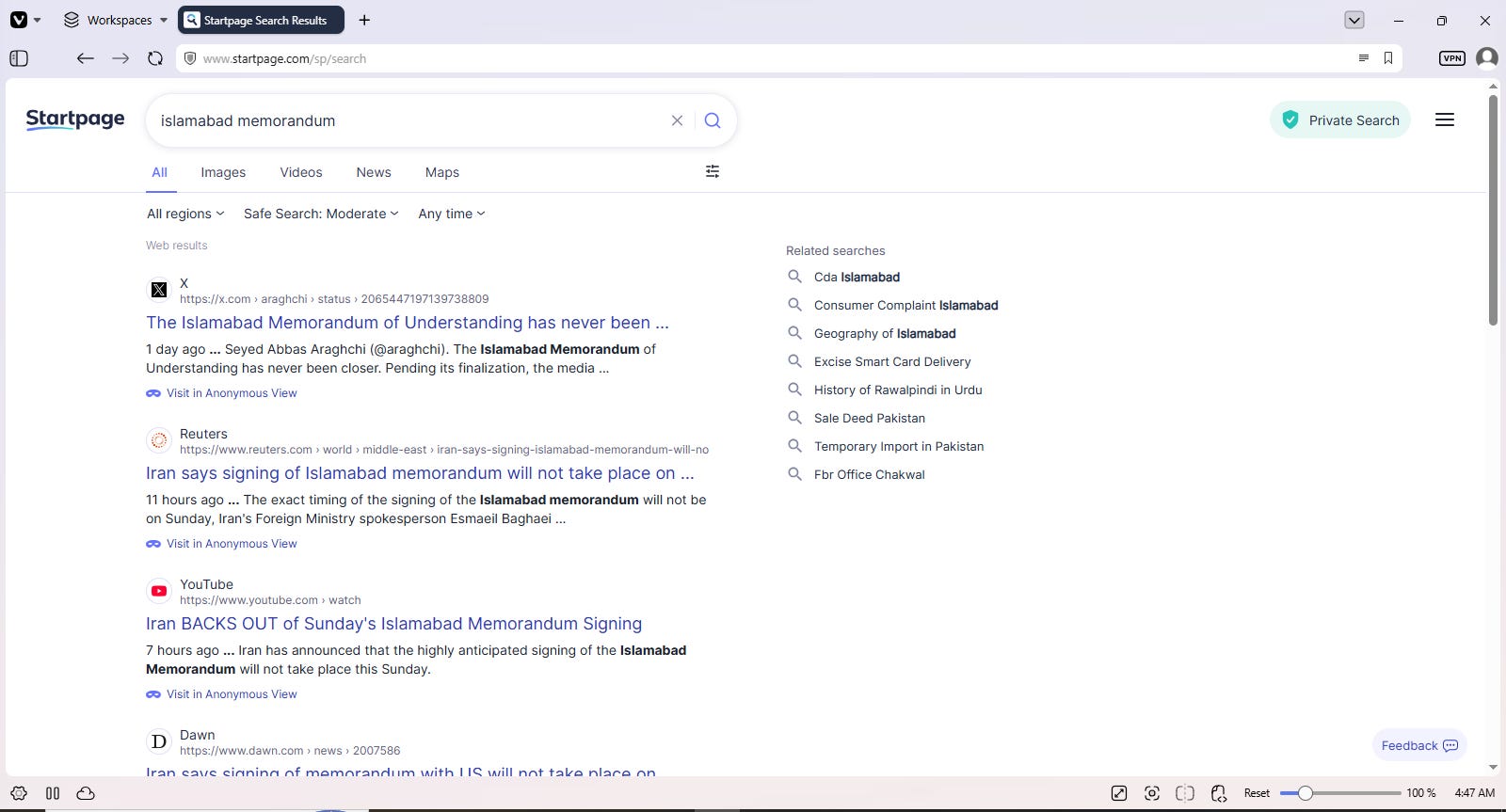
When you think of search engines, your first thought is Google, but the issue is that Google is a privacy risk, and it targets you with ads. Startpage, on the other hand, provides you with the same quality results but does not track your details.
Customization
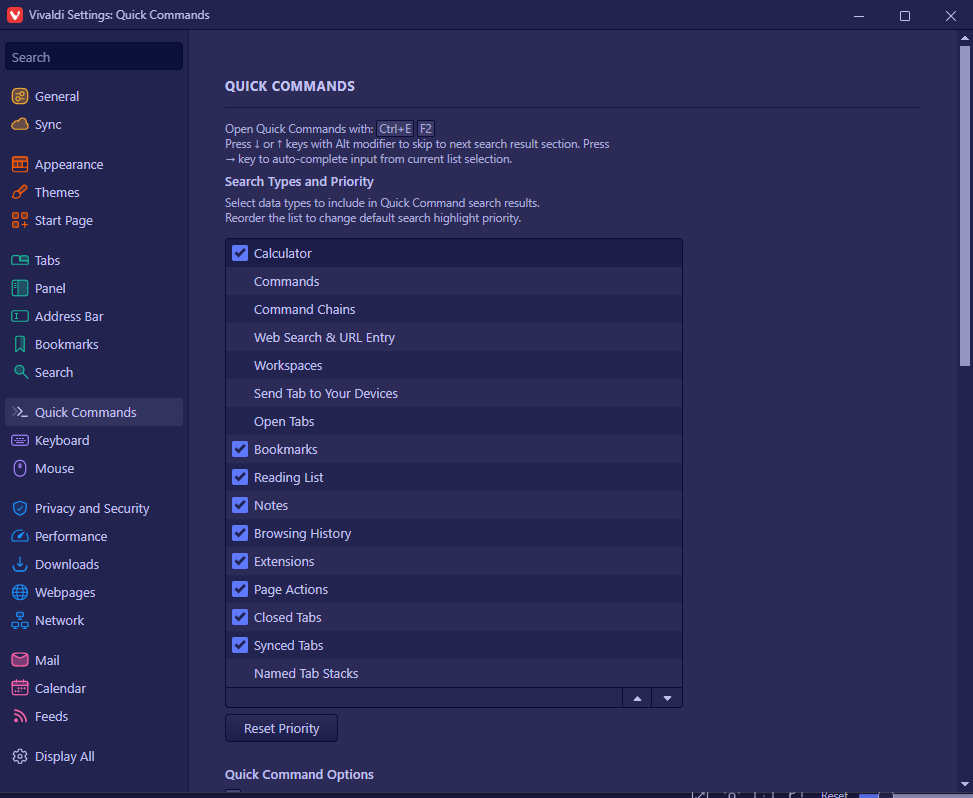
Everyone works in a manner that they are most comfortable with. What might work for one might not work for others. Vivaldi gives you that creative control. You can customize the browser as you like. You can do whatever you want; however, you want. The possibilities are, and I mean this literally, endless.
Browsing human
I will be honest; there are times I have to rely on AI. I don’t view it in an antagonistic manner, but I definitely do understand the risks. The problem with AI, however, is that people have become so reliant on it that they expect AI to perform the most basic tasks, not because it saves time but because we have adopted laziness as a lifestyle.
Vivaldi’s “Keep browsing human” philosophy is wonderful because it helps you explore things on your own. If you are in a field like journalism or in a creative field, you would need to use your skills to figure things out. Now, one might argue that this costs time, but Vivaldi already helps you save time with the features I mentioned above. This is more for one’s own benefit, so you don’t forget the skills you have. Imagine you are researching something, and you feed that information into an AI chatbot, and the results deliver inaccurate information without you realizing it; that could cost you a lot. So do make mistakes because we are human, but make mistakes at your own expense and keep browsing human.
Here is another interesting article about why journalists should use Vivaldi: Vivaldi - The best browser for journalists
You can download the browser here: Vivaldi Official Website.